Boost volume sound
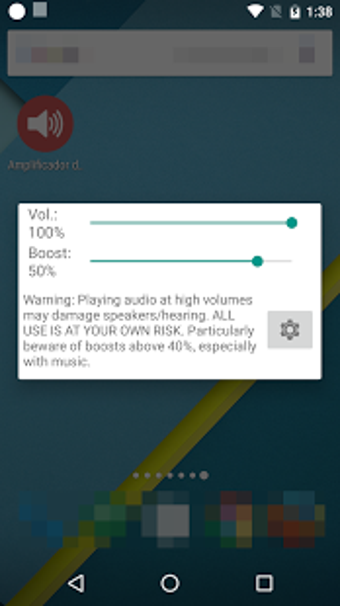
Volume Booster GOODEV is a utility application developed to help you boost the sound volume of either your speaker or headphone from 20% to 30% more. It is usually used for a better listening experience of movies, audiobooks, and music. Moreover, sound equalizers are available for you to modify as much as you want. It is a completely free application that you can officially download from the Google Play Store.
Top Recommended Alternative

Use at your own risk
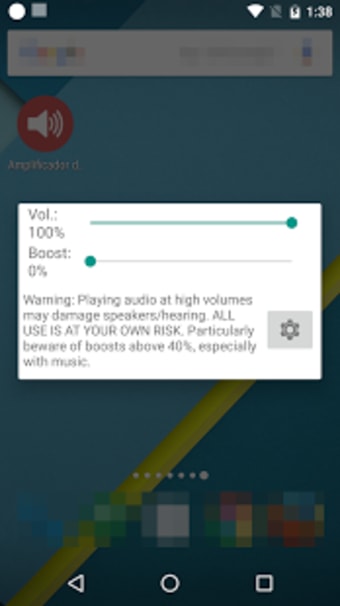
GOODEV's Volume Booster does contain functional features that will greatly help to increase the volume of your sound. However, bear in mind that there are chances that it will destroy your speaker or damage your hearing if you play audio on its highest volume capability specifically for a long period of time. In fact, previous users of this app have reported the stated issues already.
If by chance, you hear some distorted parts of the sound, you are advised to lower the volume. However, sometimes you can possibly be too late to mend it. Thus, the developers suggest using this tool at your own risk and gave you tons of warnings beforehand. It is also important to note that, ahead of the installation process, you will need to agree first that you won't hold its developer responsible for any damage to hardware or hearing.
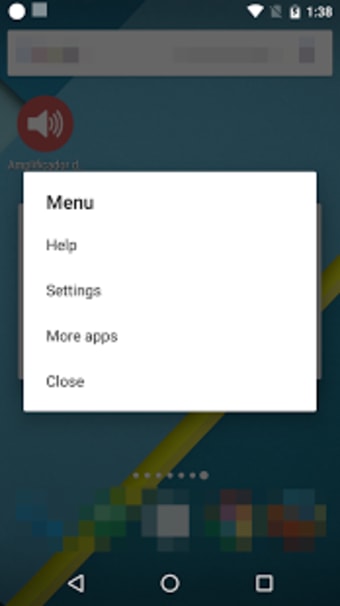
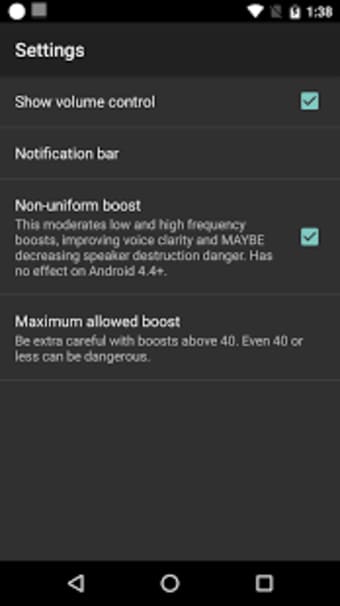
Furthermore, the app is not recommended to be used on adjusting the speakerphone volume in phone calls as it already has its own boost system. When you set its boost to zero, this app will be off, as well. Although, it could still send you notifications. If you don't prefer receiving any of it, you can tweak its settings and choose the option that will enable the notifications to appear only when the application is running.
Functional, but hazardous
Volume Booster GOODEV is a sound utility tool that will effectively boost your speaker or earphone's volume by 20% to 30% more. But, this simple function itself is dangerous to do both for the audio instrument and your hearing. Thus, you must be extremely willing to take the risk if you decide to try this app.

.png)